Log into Droplet
Access your Droplet account using your organization's Single Sign-On (SSO) or a Droplet password.

First Time Log In
SSO: if your organization uses SSO, such as Google Workspace, you can follow the instructions below; no extra steps needed!
Manual: if your organization manually adds users, you will receive an email to create a password and set up your account. Click "Sign In" to get started.

If you have the right permissions, you can view and manage user accounts by selecting the Organization tab from the main menu. For more information, see Manage Users in Your Organization.
How to Log In with Single Sign-On (SSO)
Open your web browser and go to app.droplet.io.
Enter the email address associated with your Droplet account and click Continue.
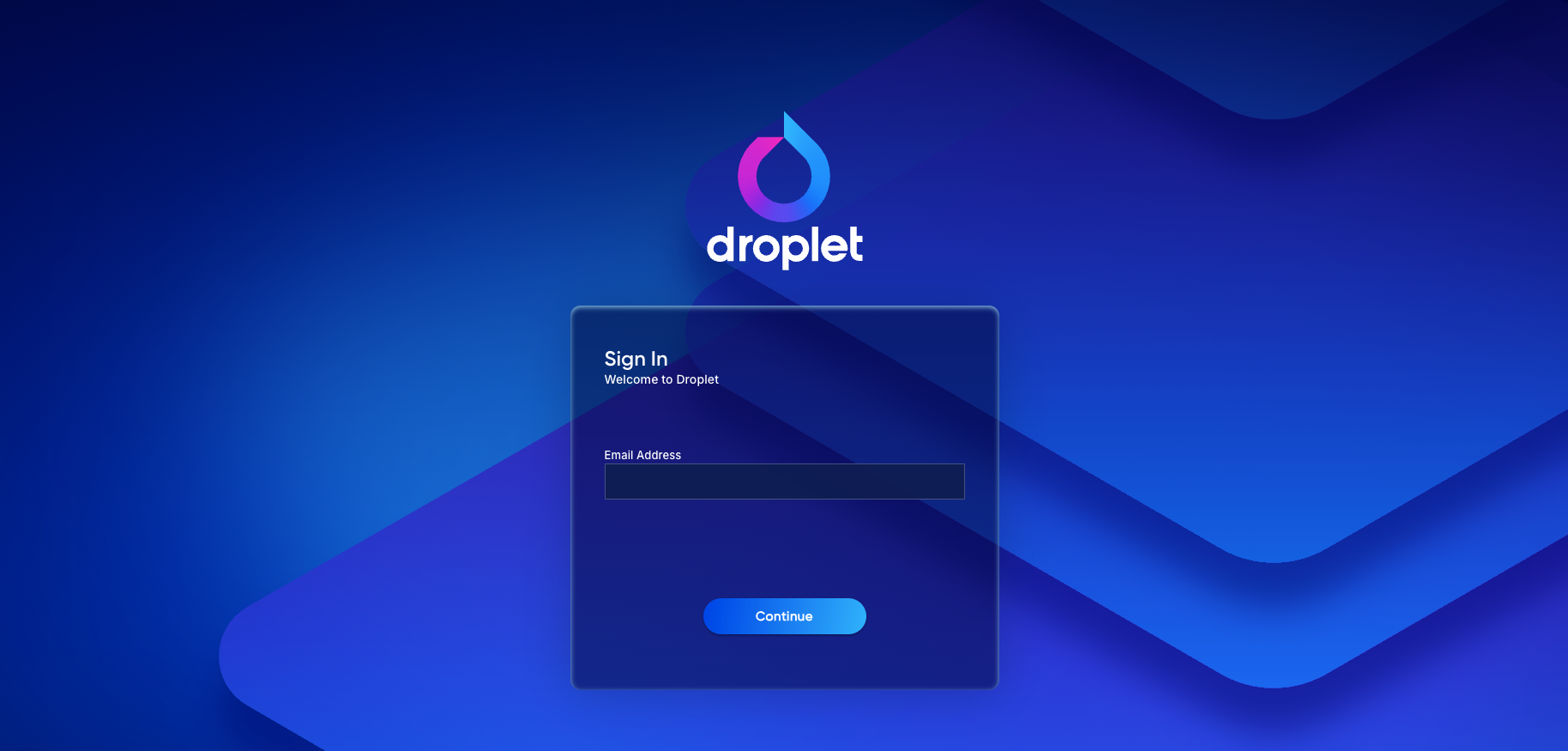
Enter your email address to get started.
If multiple organizations share your email domain, you'll be asked to select your specific organization before continuing.
If your organization uses SSO (Single Sign-On), such as Google Workspace, you'll be directed to sign in with your organization's credentials.
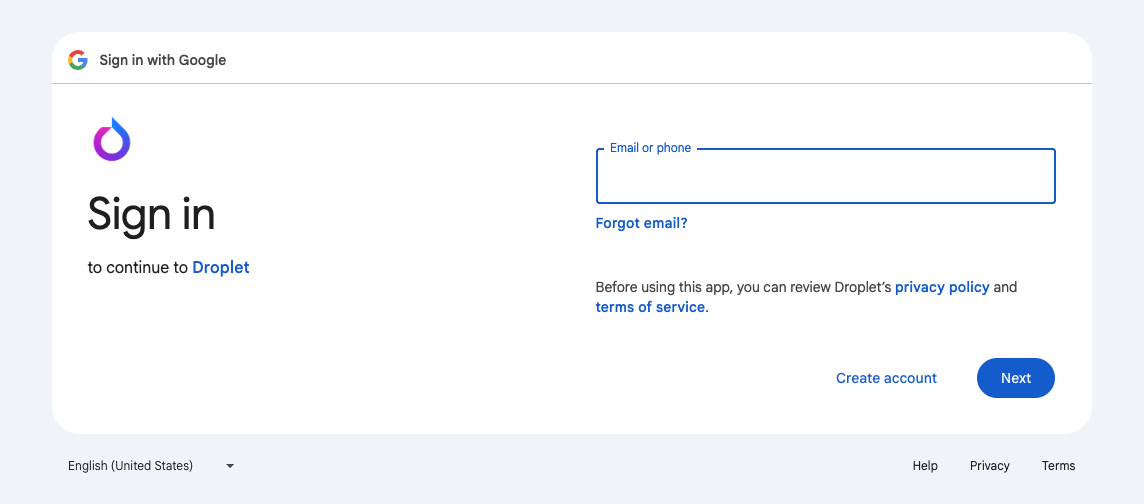
Sign in with SSO or your Droplet password.
If this is your first time logging in, review and accept the Terms of Service.
Once authenticated, you'll be routed to your Droplet dashboard.
How to Log In with a Droplet Password
Open your web browser and go to app.droplet.io.
Enter the email address associated with your Droplet account and click Continue.
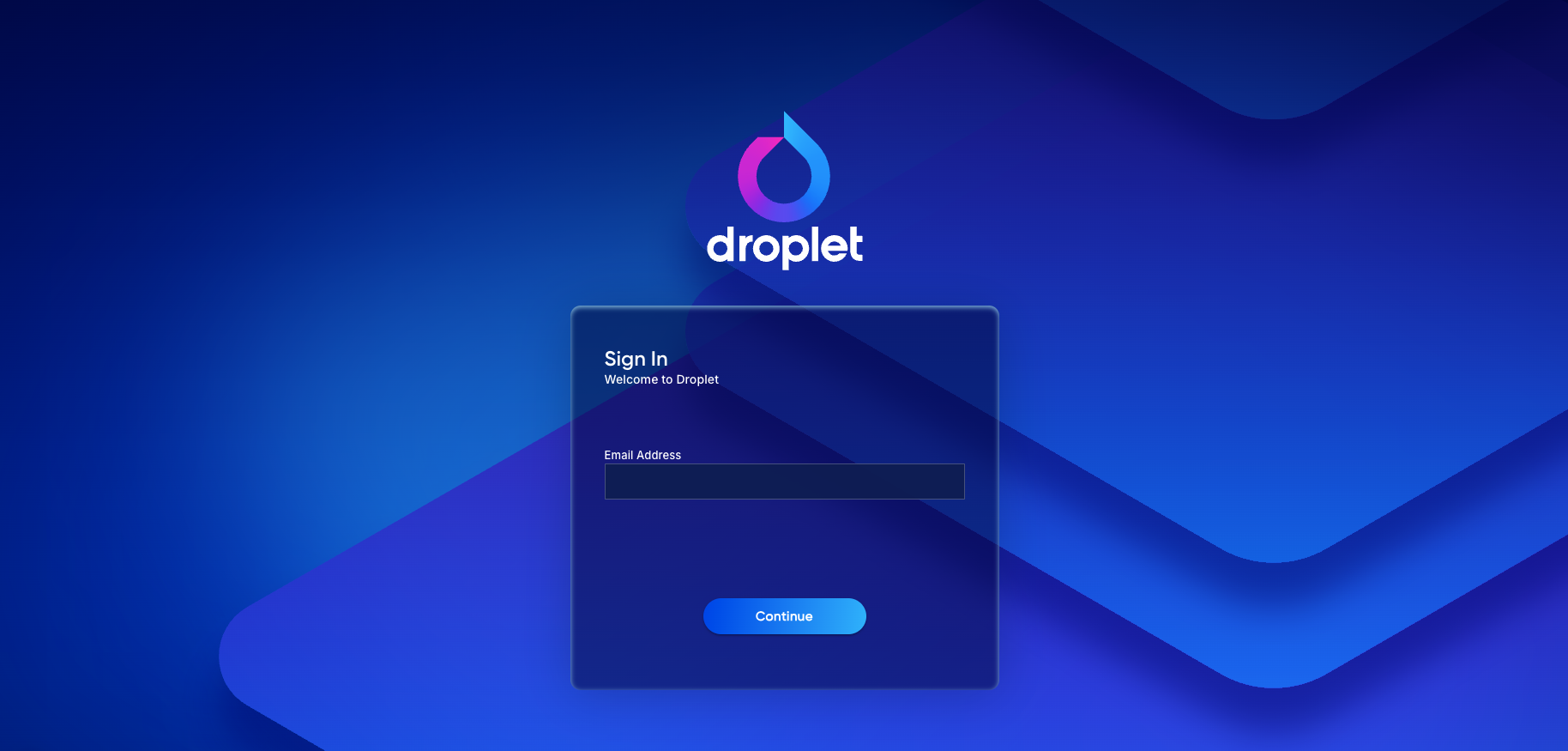
Enter your email address to get started.
If multiple organizations share your email domain, you'll be asked to select your specific organization before continuing.
If your organization uses SSO (Single Sign-On), such as Google Workspace, you'll be directed to sign in with your organization's credentials.
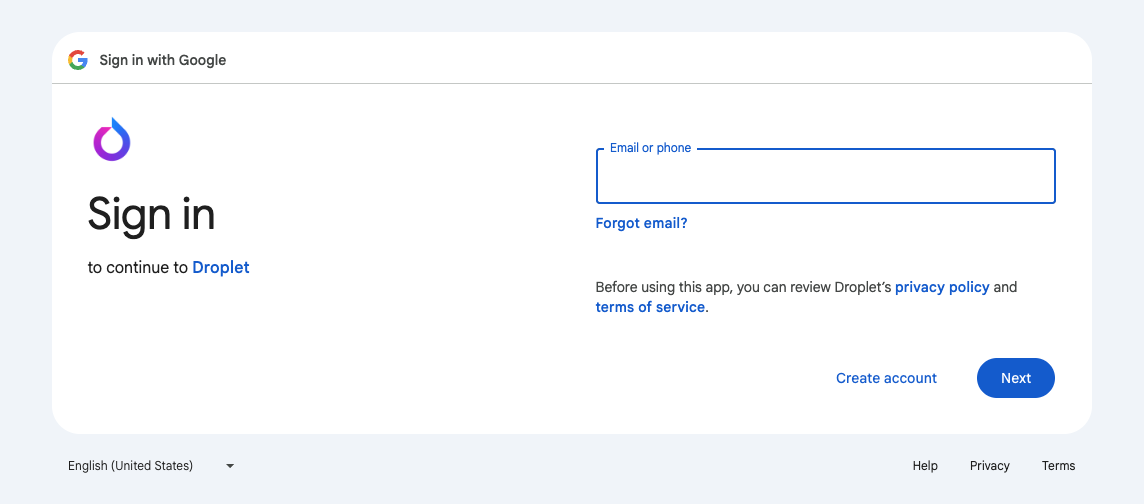
Sign in with SSO or your Droplet password.
If this is your first time logging in, review and accept the Terms of Service.
Once authenticated, you'll be routed to your Droplet dashboard.
Troubleshooting
If you're having trouble logging in, try the following:
Clear your browser cache and cookies, then try again.
Try logging in using a different browser or an incognito/private window.
Contact your organization's Droplet administrator. If your organization does not use SSO, they may be able to reset your password.
If none of the above work, contact the Droplet support team for assistance.