Share a form link
Copy and share your form's link so others can start a new submission. Anyone with the link can submit the form unless sign-in requirements are enabled. The same link always points to the latest published version.
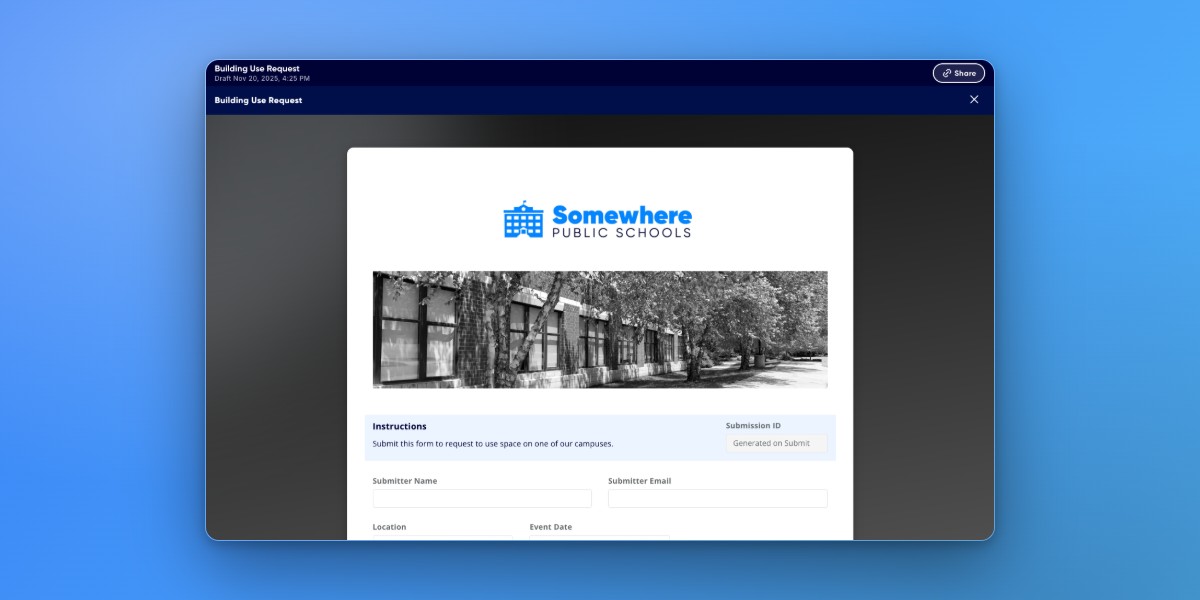
Copy a form link
Go to the Forms page.
Click the three-dot menu on the form card you want to share.
Select Share to copy the form's URL to your clipboard.
Paste the link in an email, text message, or on your website. Anyone who clicks the link can start a new submission.
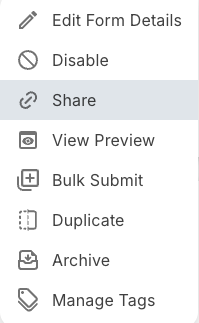
Click the three-dot menu on a form card and select Copy Link.
The link always points to the most current published version. If you update and republish the form, the same link continues to work - no need to reshare it.
Control who can access the form
You can configure sign-in requirements by clicking the three-dot menu on a form card and selecting Edit Form Details. Two options control access:
- Sign-in required to view form
- Only users logged into Droplet with your organization's domain can access the form.
- Always submit form as signed-in account
- Automatically fills the submitter's name and email fields using their logged-in account. Sign-in required to view form must be turned on to have this option.
For internal forms (like mileage reimbursements), enable sign-in required. For forms that must be submitted by specific users (like policy acknowledgments), enable both options. For external forms (like permission slips or registrations), disable both to allow anyone to fill them out.