Get help with Droplet
Find answers in the support documentation or reach out to the Droplet support team.

Support documentation
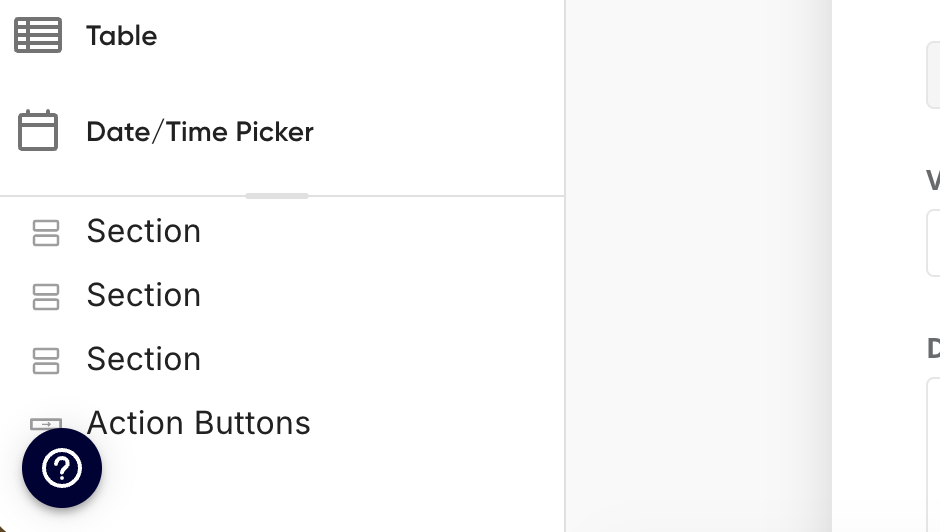
The fastest way to find answers is right here in the support documentation. You can also access it from inside Droplet by clicking the question mark Help Center in the lower-left corner of the platform.
Contact the support team
If you can't find what you need in the documentation, or if you need an edit made to an existing form or workflow, email the support team at support@droplet.io.
When submitting a support case, include as much of the following as possible:
Your organization name
The form name (if the issue is related to a specific form)
A link to the submission (if the issue is related to a specific submission)
A detailed description of the issue, including:
Screenshots of any error messages
Any users involved
When the issue started
Steps you took that led to the issue
Any troubleshooting you've already tried (logging out/in, clearing cache, checking the activity log)
Any links or emails involved
What you expected to happen
The more detail you include upfront, the faster the support team can help. A screenshot and a submission link go a long way.
Request a new form
If you'd like to add a new form to your Droplet organization and your contract includes professional service hours, you can submit a request using the New Form Request form.
For changes to an existing form, have your Droplet administrator email support@droplet.io.